Support
Manual
Step-by-step guides for organisers — from creating an event to collecting chips back after the race.
Searches chapter titles and the full content of every step.
Chapter 7 of 10 · swipe for the next one
Chapter 07
Results and live stream
The app recalculates results live during the race itself, publicly, with no account needed.
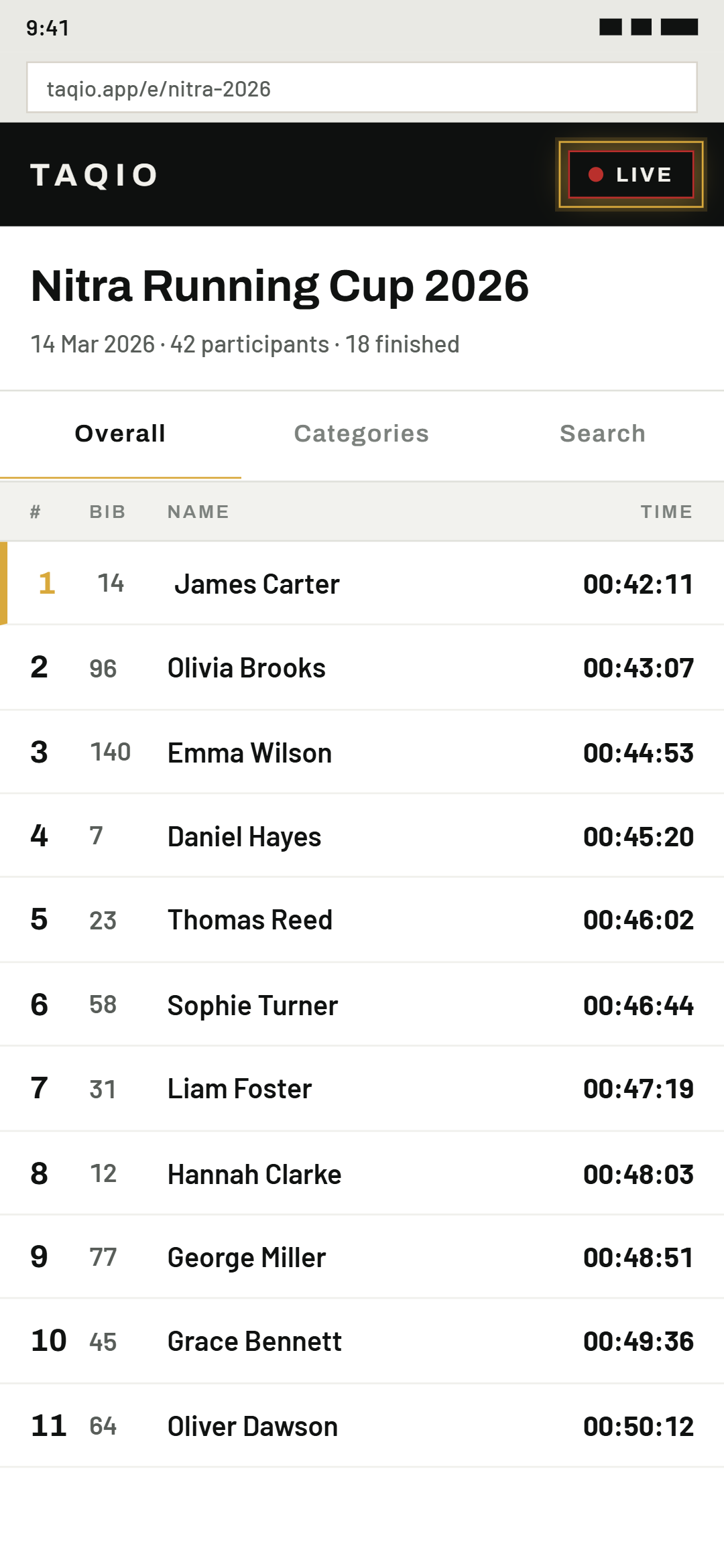
01Open the public event page
Once registration closes, first tap "Start live results" on the timing screen — until you do, the public link still leads to registration, not results. Only then does the "Results ↗" button in the same spot open the page — the same link can be shared with participants and spectators alike.
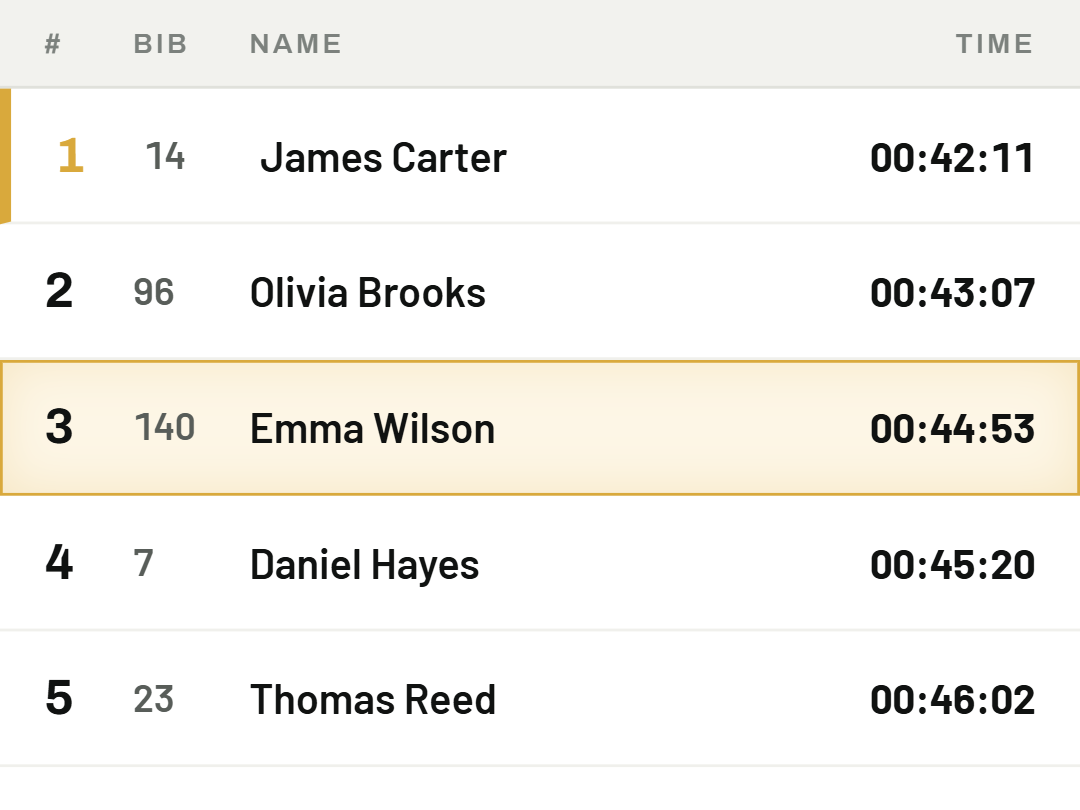
02Results update live
Spectators and participants follow along from their phone with no account needed — no need to refresh the page manually.
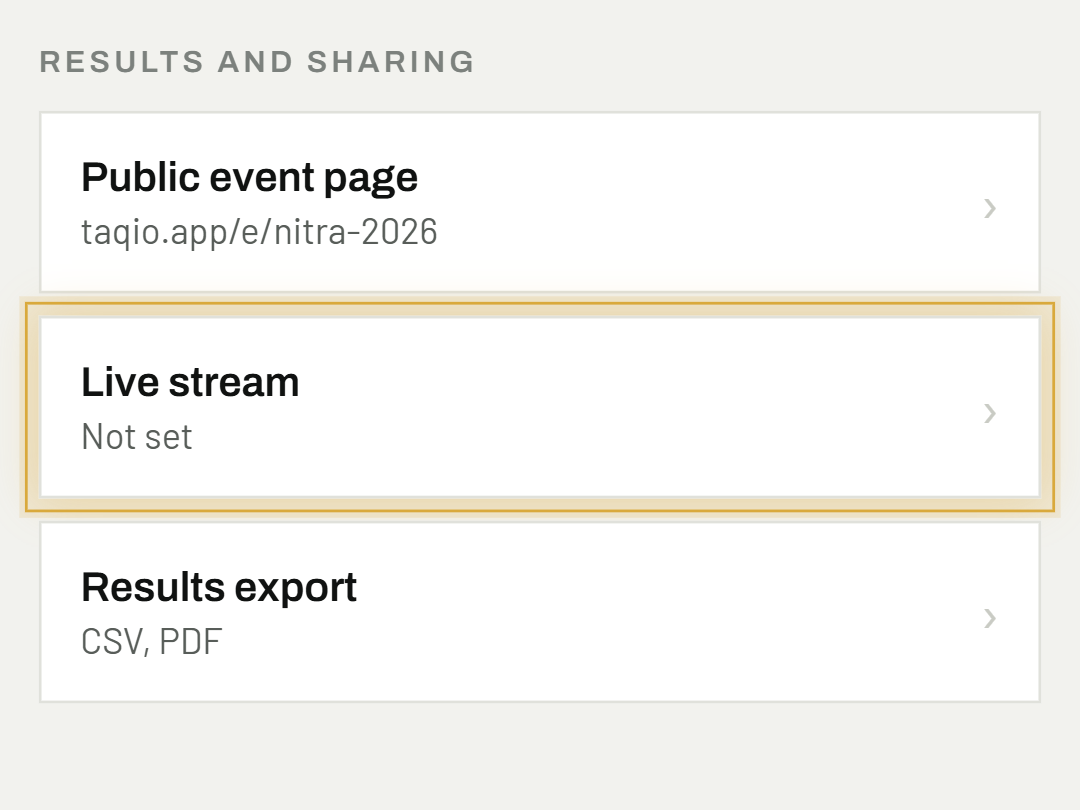
03Add a live stream
In event settings, paste a YouTube or Facebook link — the app shows it right on the results page.
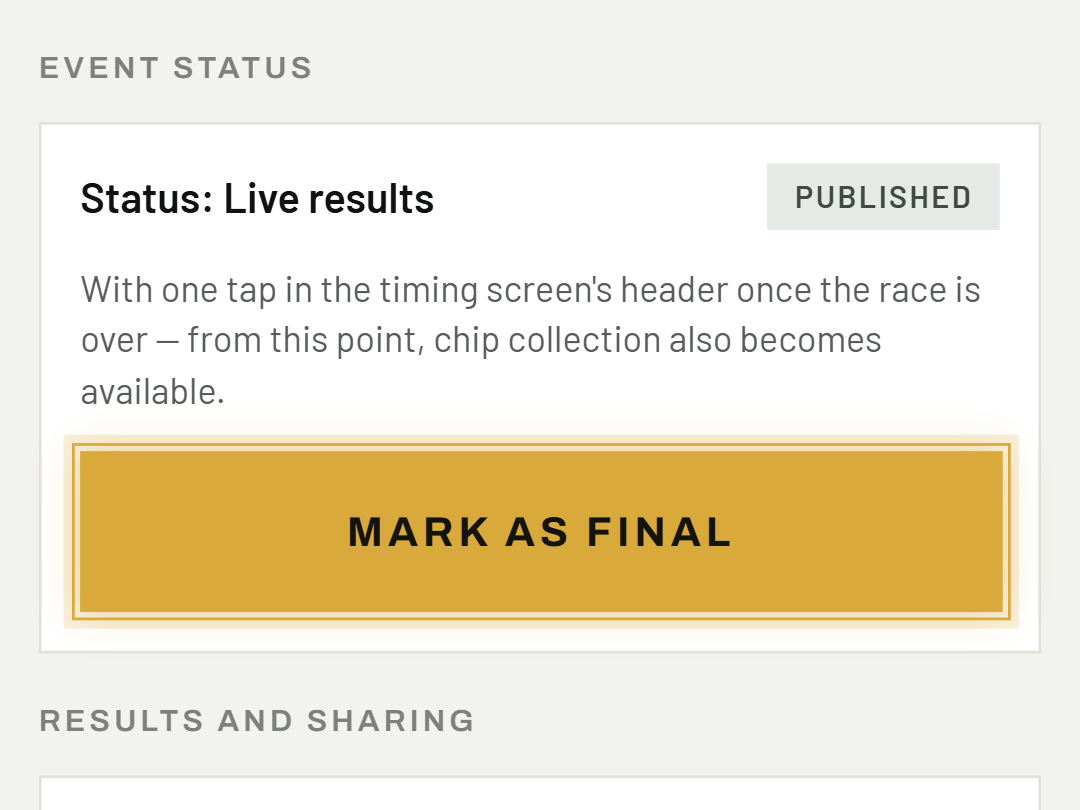
04Mark results as final
With one tap in the timing screen's header once the race is over — from this point, chip collection also becomes available.
Was this helpful?
Need help? Write to us