Podpora
Manuál
Postupy krok za krokom pre organizátorov — od založenia podujatia až po vyzbieranie čipov po pretekoch.
Prehľadáva názvy kapitol aj celý obsah krokov.
Kapitola 10 z 10 · potiahnutím prejdete na ďalšiu
Kapitola 10
Časté otázky a problémy
Odpovede na otázky, ktoré organizátori riešia najčastejšie.
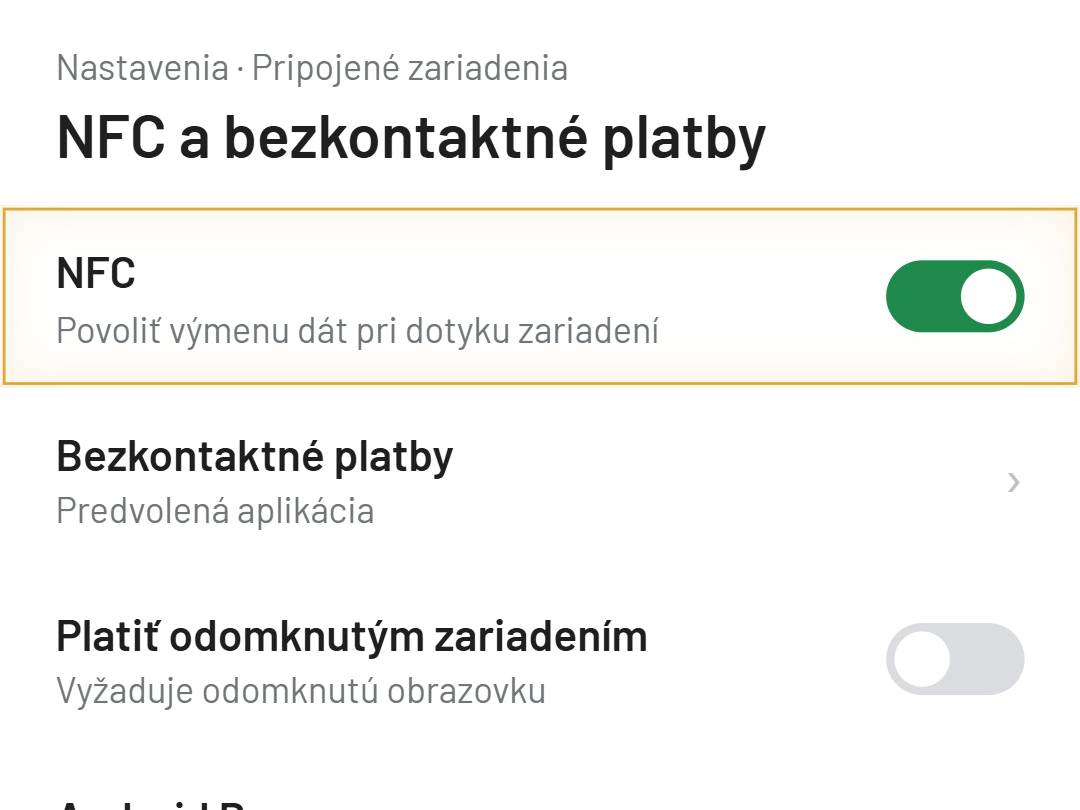
01Appka mi nenačíta NFC čip
Over, že telefón má vstavanú NFC čítačku (nie každý lacnejší model ju má) a že je NFC v nastaveniach telefónu zapnuté.
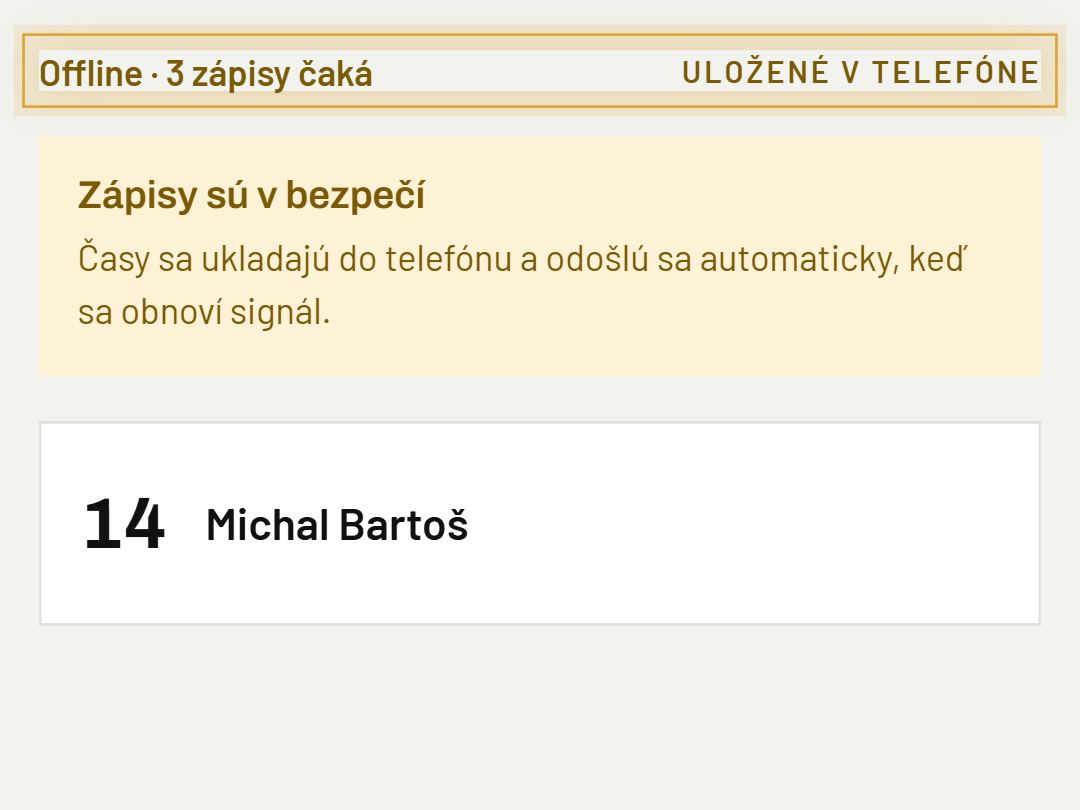
02Appka je offline, stratím dáta?
Nie — appka ukladá zápisy priamo v telefóne a odošle ich, hneď ako sa pripojenie vráti.
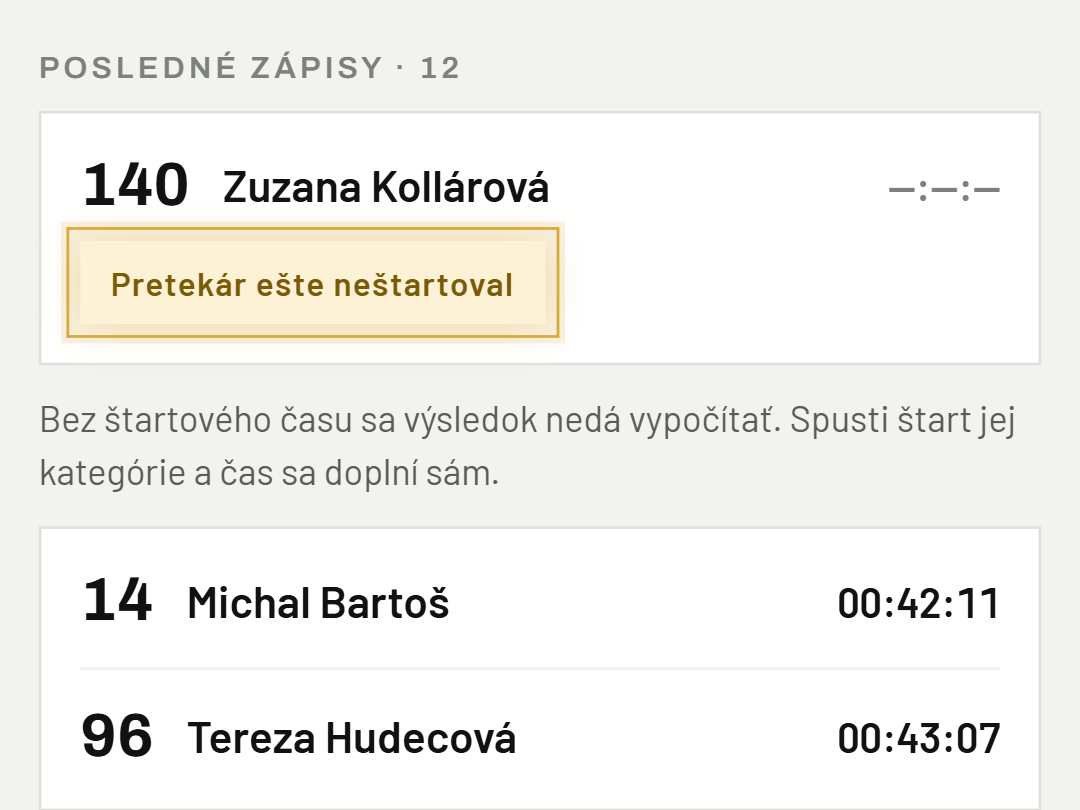
03Pretekárovi sa nezapísal čas
Skontroluj, že mal spustený štart (pri individuálnom alebo vlnovom štarte) a že bol zvolený správny kontrolný bod.
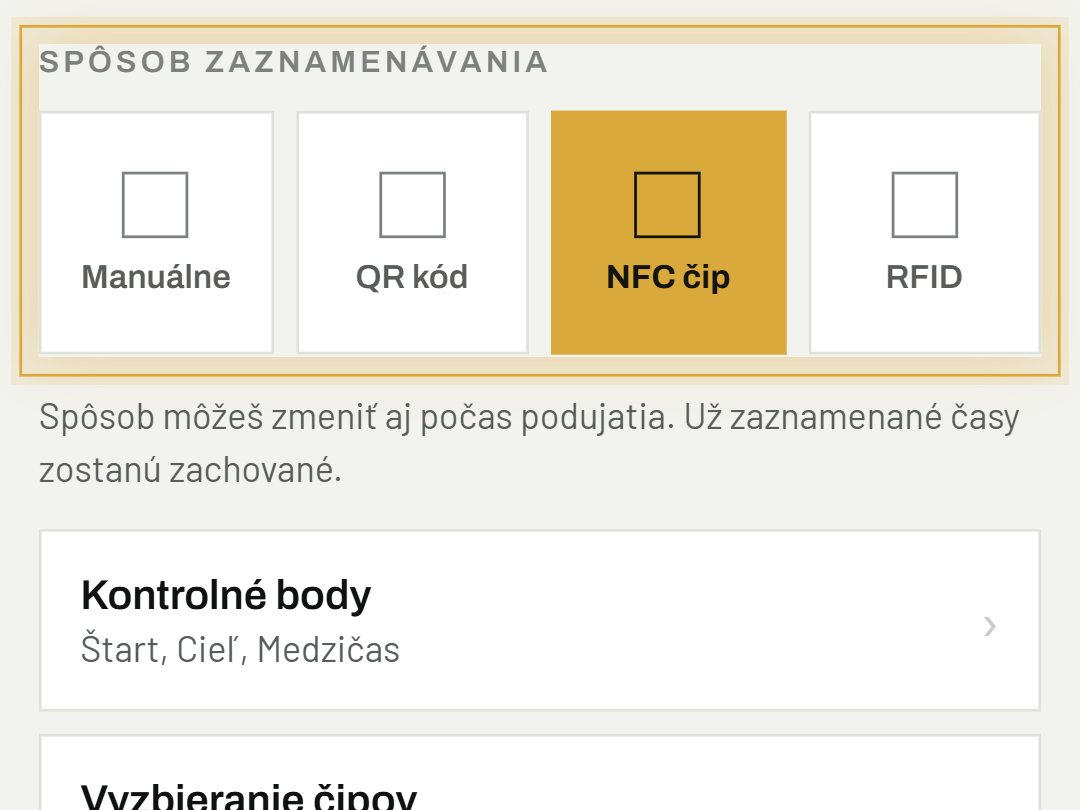
04Ako zmením spôsob zaznamenávania uprostred podujatia?
V Nastaveniach podujatia, sekcia "Spôsob zaznamenávania" — zmena sa prejaví okamžite, existujúce záznamy zostanú zachované.
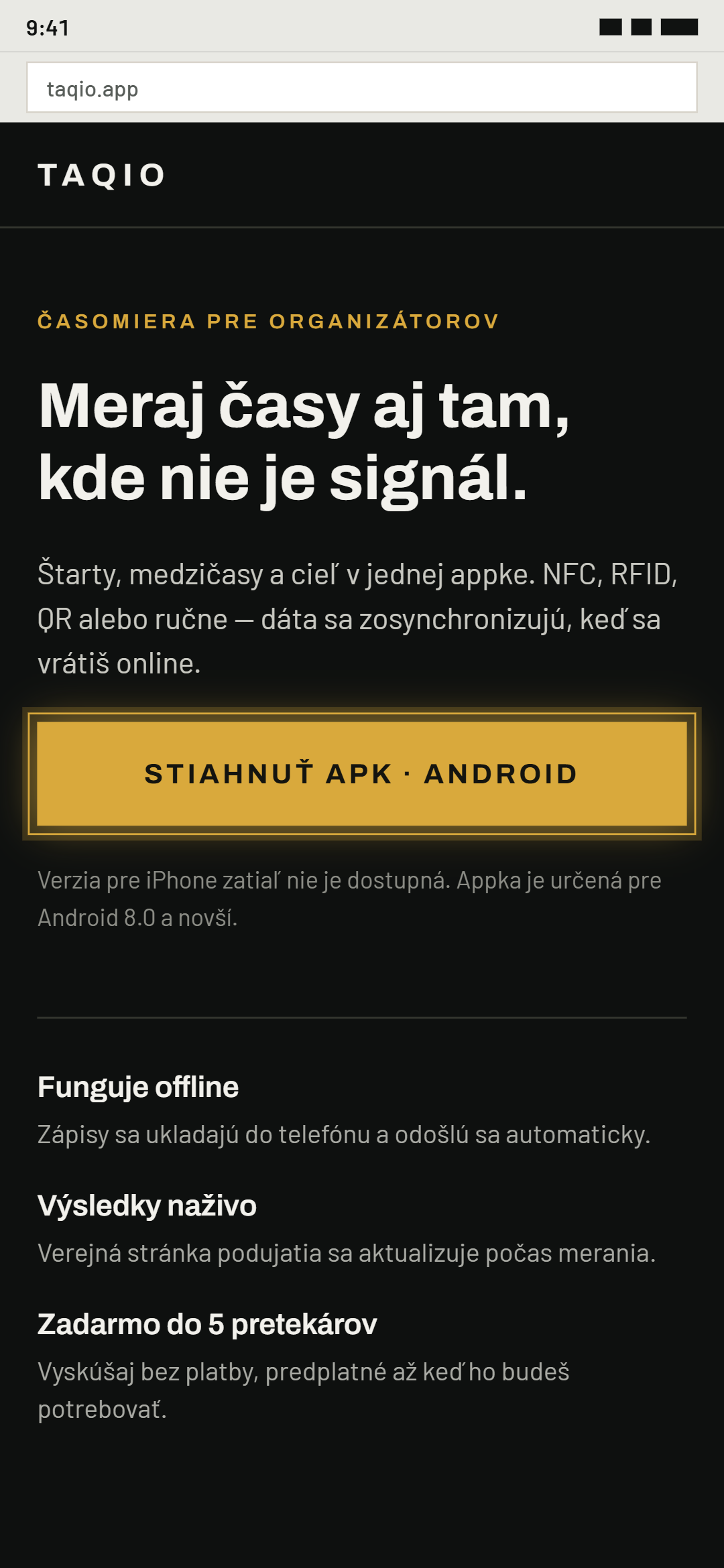
05Máte appku aj pre iPhone?
TAQIO je momentálne dostupná len pre Android. Appku nainštaluješ z Google Play — tlačidlo „Stiahnuť appku“ na taqio.app ťa tam zavedie.
06Čip prešiel, ale pretekára nemám — stratil sa čas?
Nie. Prejazd sa uložil ako nepriradený. Priraď čip pretekárovi cez riadok "Nepriradené prejazdy" na obrazovke merania (alebo ho doplň v Nastaveniach podujatia) a čas sa mu automaticky pripíše.
07USB čítačka sa nepripojí
Skontroluj kábel USB-OTG a či je čítačka nastavená na výstup "USB HID". Čítačku odpoj a znova zapoj a v okne systému potvrď povolenie USB. Stav vidíš na obrazovke merania v riadku "TAQIO UHF reader".
Bolo to užitočné?
Potrebujete pomoc? Napíšte nám