Podpora
Manuál
Postupy krok za krokom pre organizátorov — od založenia podujatia až po vyzbieranie čipov po pretekoch.
Prehľadáva názvy kapitol aj celý obsah krokov.
Kapitola 8 z 10 · potiahnutím prejdete na ďalšiu
Kapitola 08
Vyzbieranie čipov
Po skončení pretekov appka pomôže vyzbierať späť NFC/RFID čipy od pretekárov. Platí len pre podujatia s NFC alebo RFID.
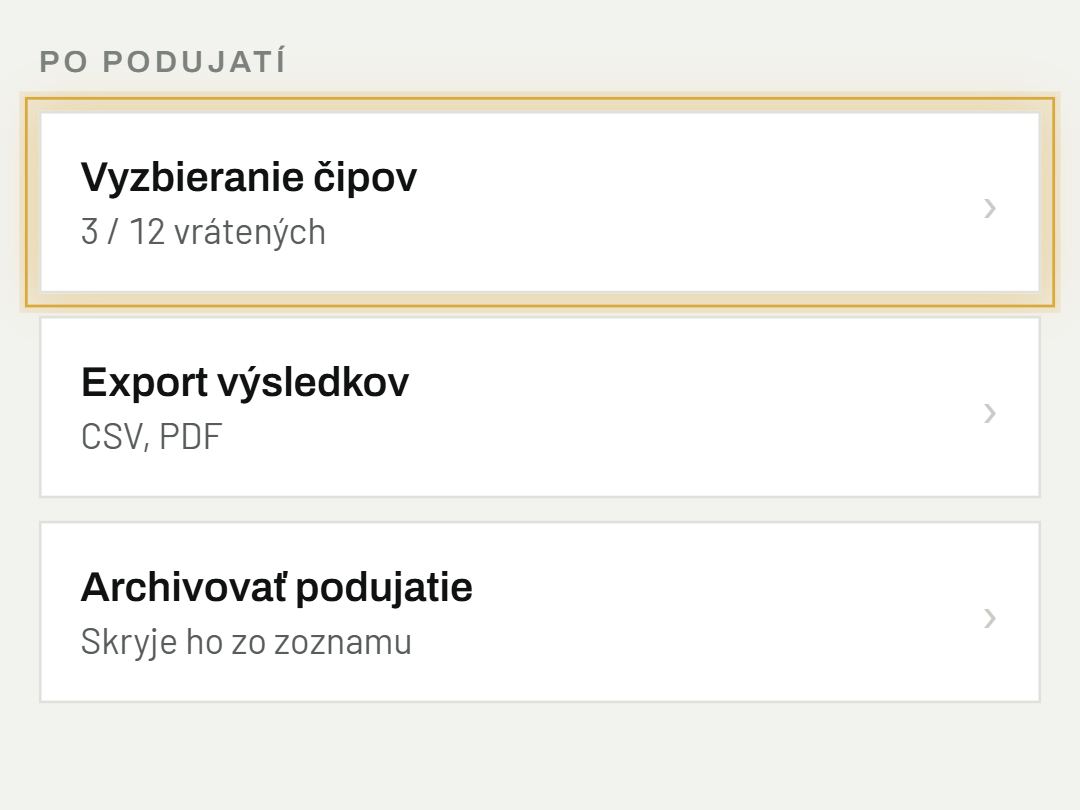
01Otvor Vyzbieranie čipov
V Nastaveniach podujatia — riadok je viditeľný pri NFC/RFID podujatiach už od ich založenia, použiješ ho po skončení pretekov.
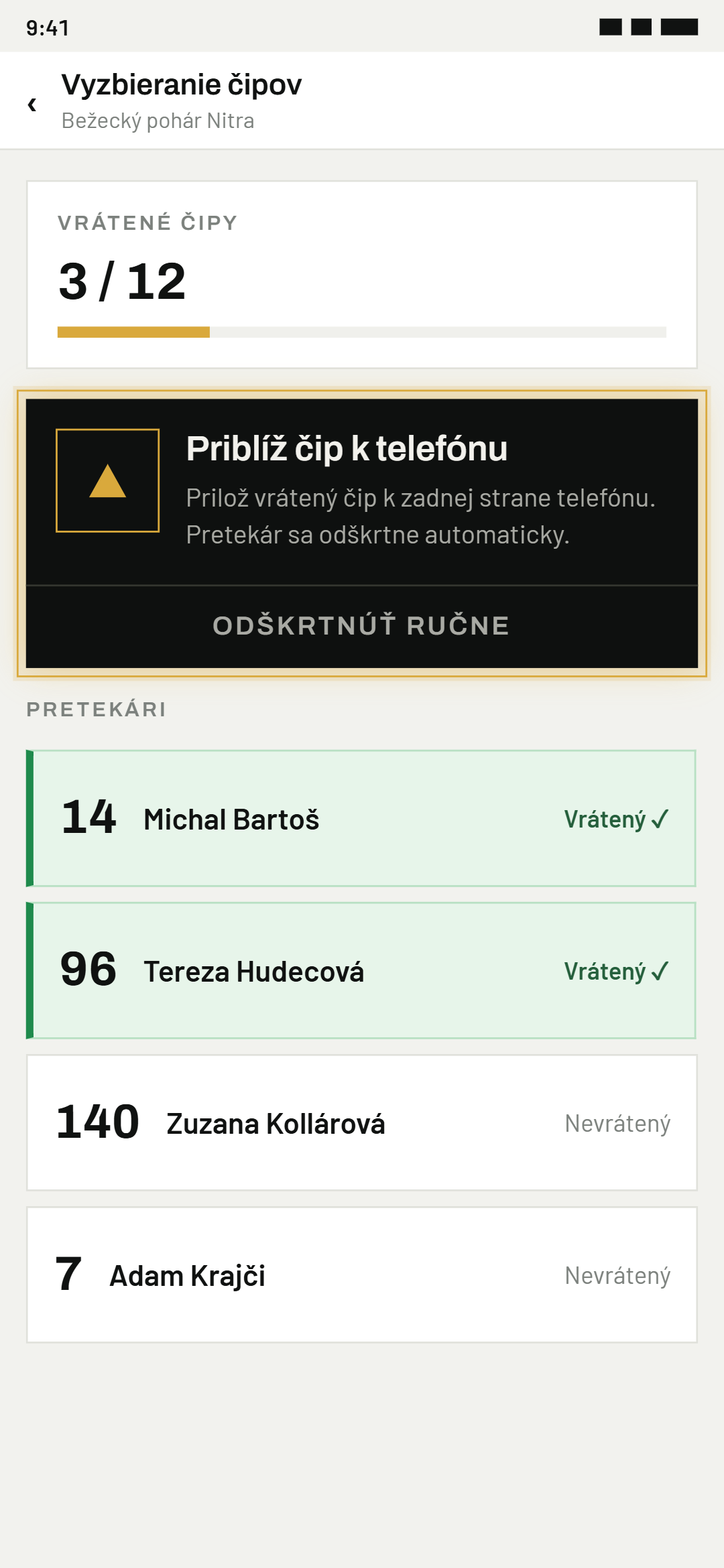
02Prilož vrátený čip
K telefónu (NFC) alebo k čítačke (RFID) — appka pretekára podľa čipu jednoznačne rozpozná a rovno ho odškrtne.
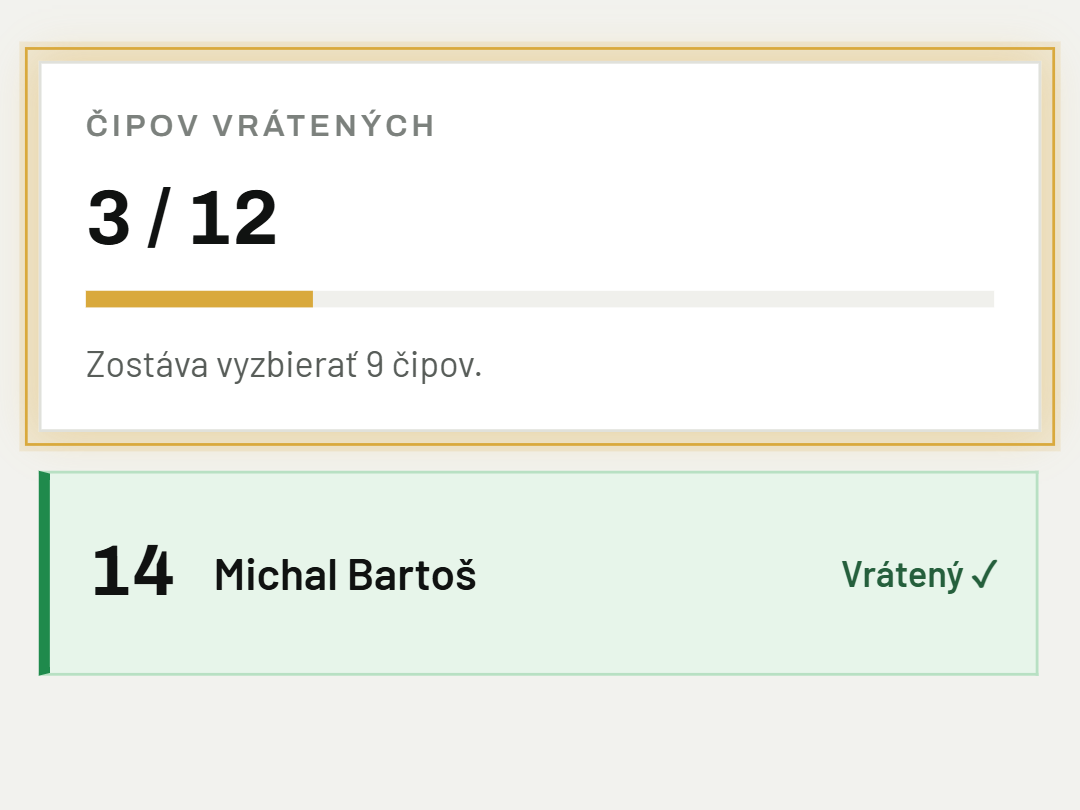
03Sleduj postup
Počítadlo hore ukazuje, koľko čipov ešte chýba vrátiť — keď je hotovo, appka to jasne oznámi.
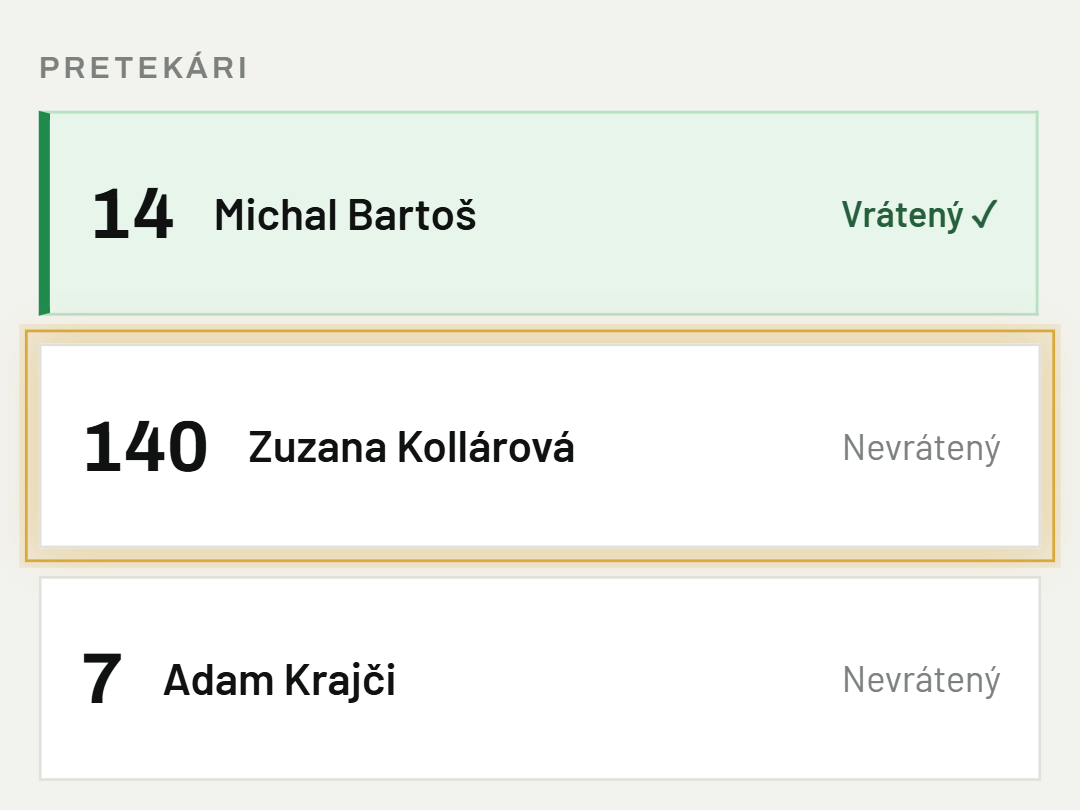
04Ručné odškrtnutie
Ak sa čip nedá naskenovať, nájdi pretekára v zozname a ťukni naň — prípadný omyl vrátiš späť ďalším ťuknutím.
Bolo to užitočné?
Potrebujete pomoc? Napíšte nám