Support
Manual
Step-by-step guides for organisers — from creating an event to collecting chips back after the race.
Searches chapter titles and the full content of every step.
Chapter 5 of 10 · swipe for the next one
Chapter 05
Starts
The app supports three start types — mass, waves and individual — each triggered differently.
01Mass start
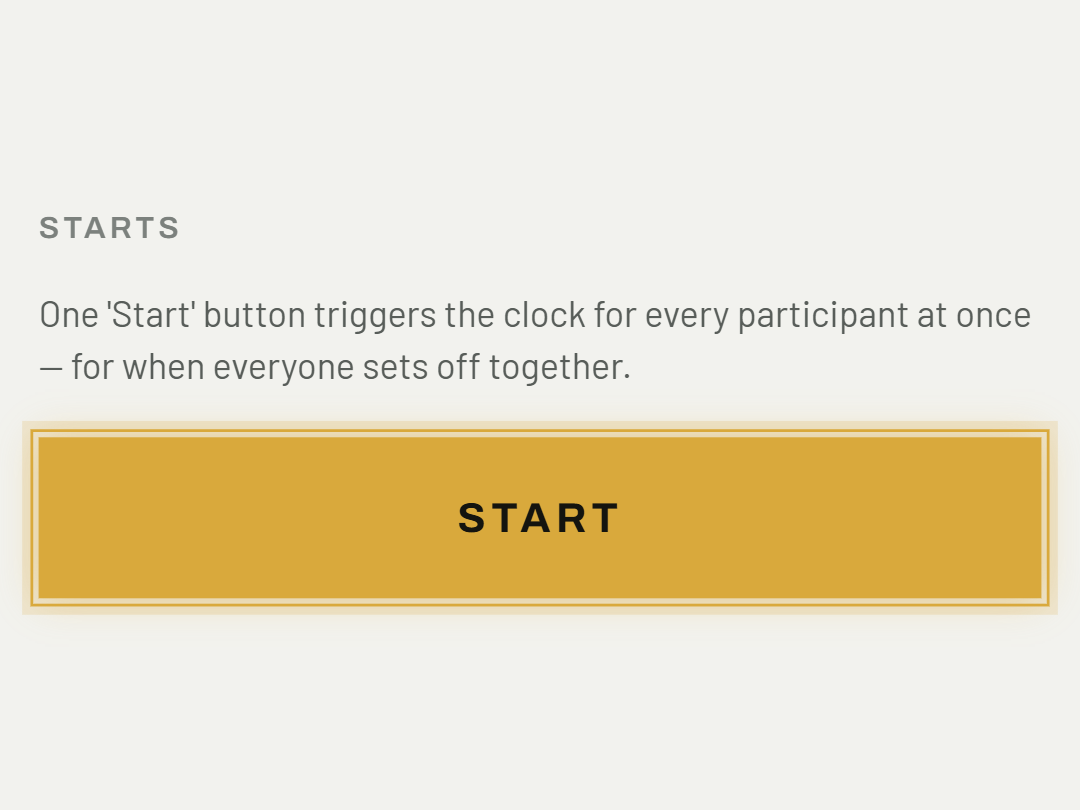
One "Start" button triggers the clock for every participant at once — for when everyone sets off together.
02Wave start
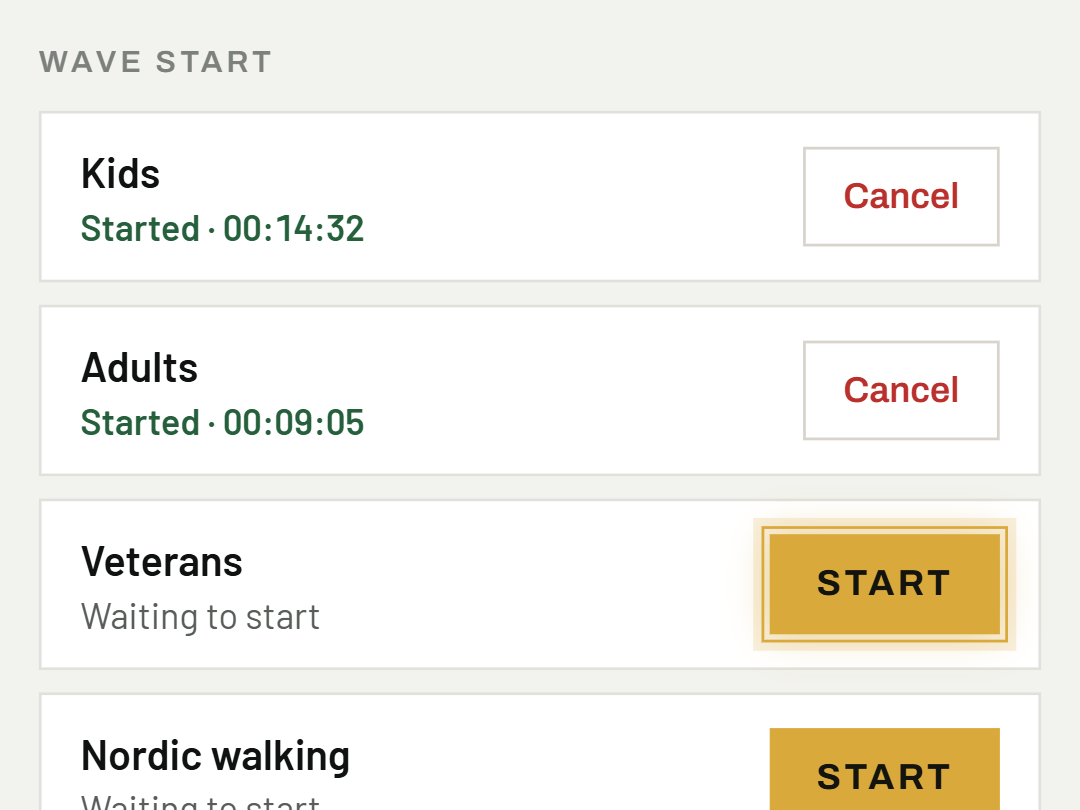
Each category gets its own "Start" button — trigger them one by one following your schedule (e.g. kids first, then adults).
03Individual start
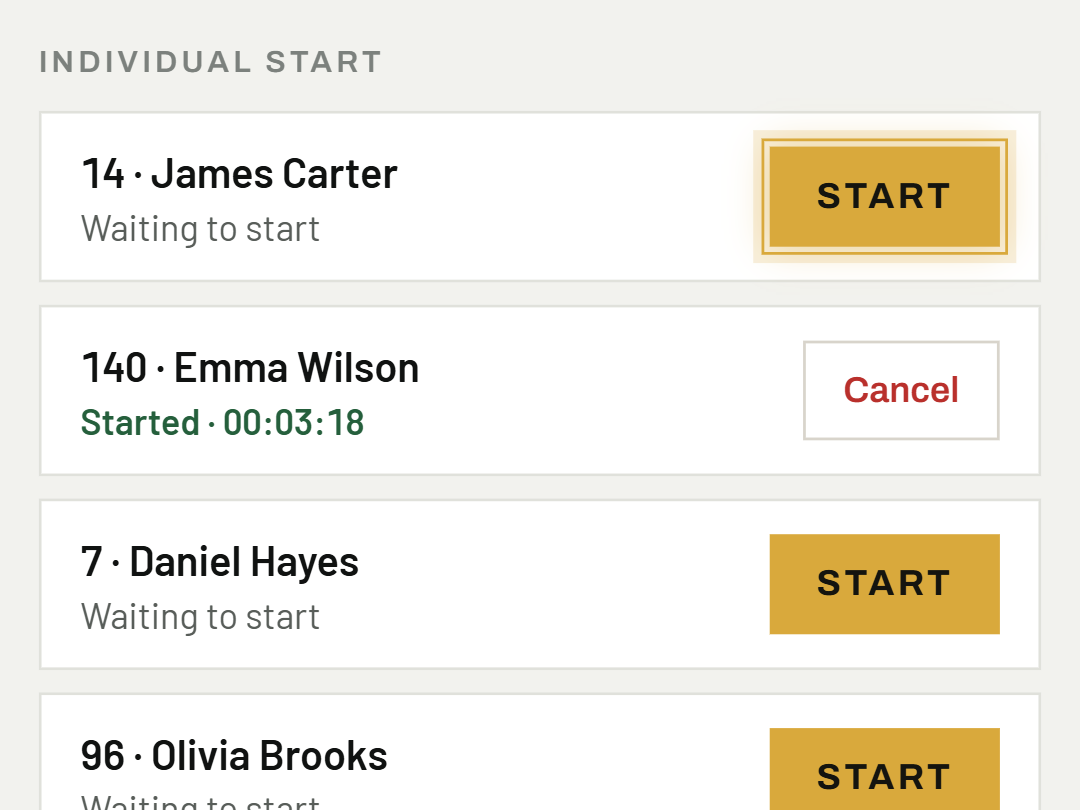
Each participant starts on their own — the app records their own personal start time, typically for time trials.
04Cancelling a start
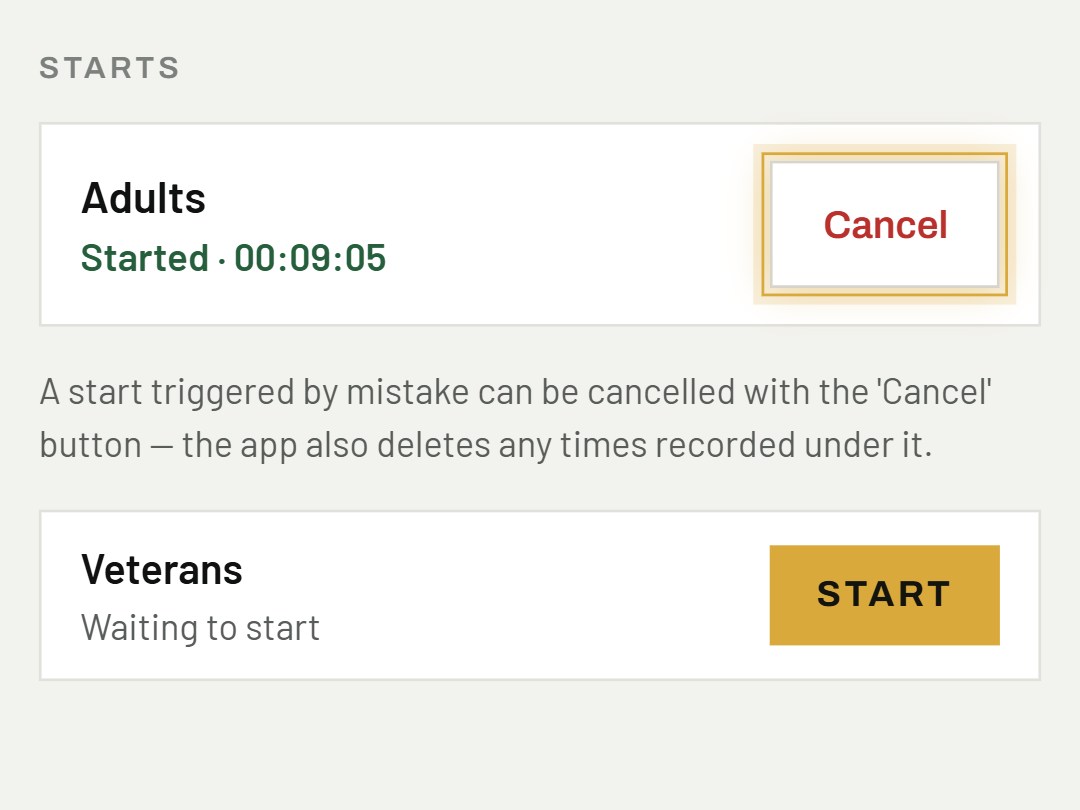
A start triggered by mistake can be cancelled with the "Cancel" button — the app also deletes any times recorded under it.
Was this helpful?
Need help? Write to us