Support
Manual
Step-by-step guides for organisers — from creating an event to collecting chips back after the race.
Searches chapter titles and the full content of every step.
Chapter 6 of 10 · swipe for the next one
Chapter 06
Timing at the finish
How the app behaves during the race itself — including offline mode and manual entry when a chip is lost.
01Choose a checkpoint
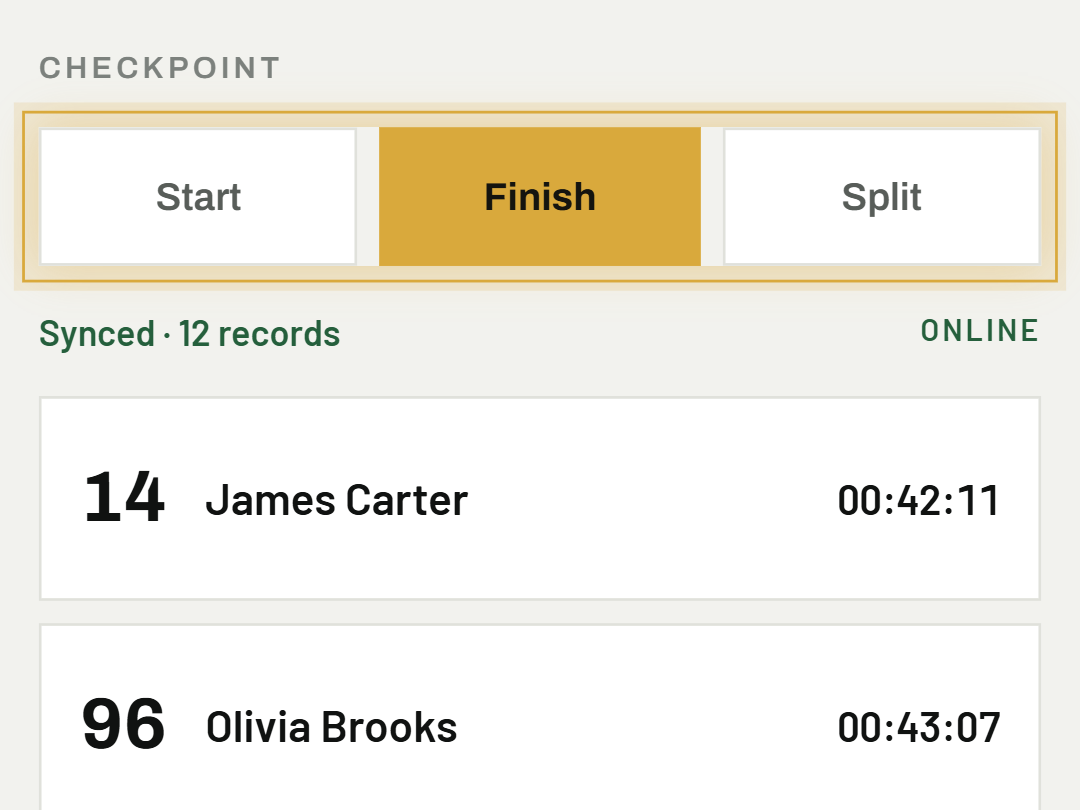
The app always records against the currently selected checkpoint (Finish or Split) — switch it with the pills above the list.
02Time without internet
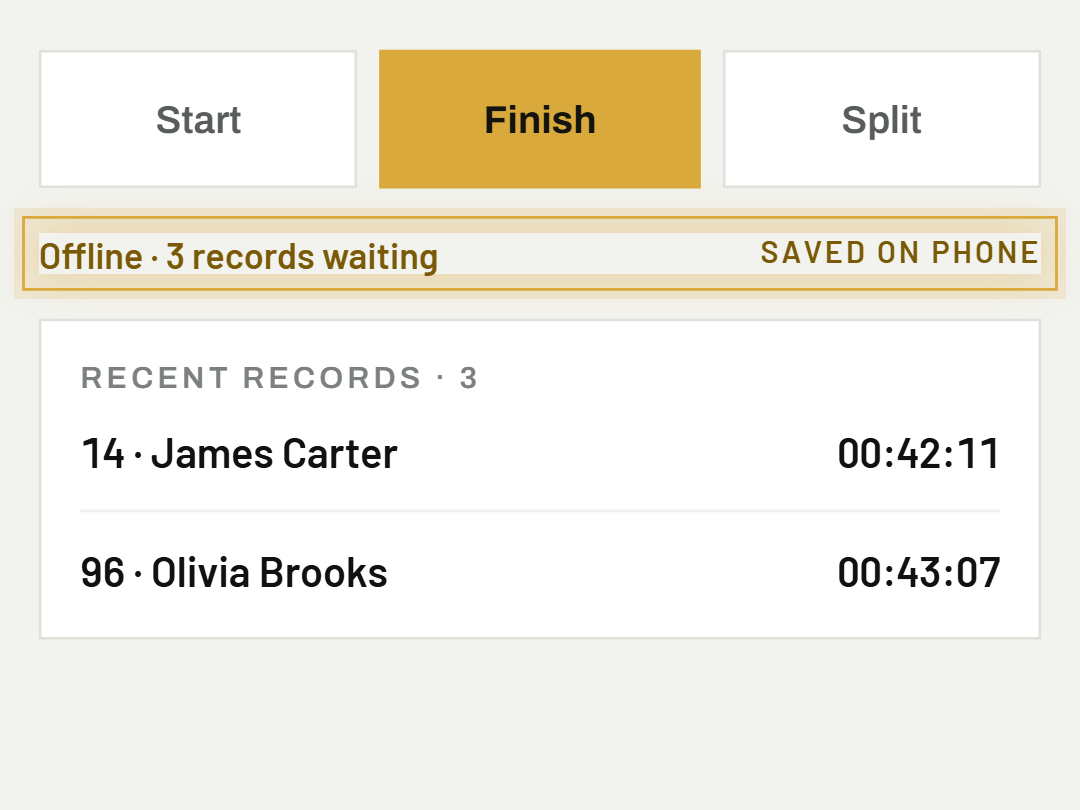
The app stores records directly on the phone — the screen shows how many are still waiting to be sent.
03Records sync on their own
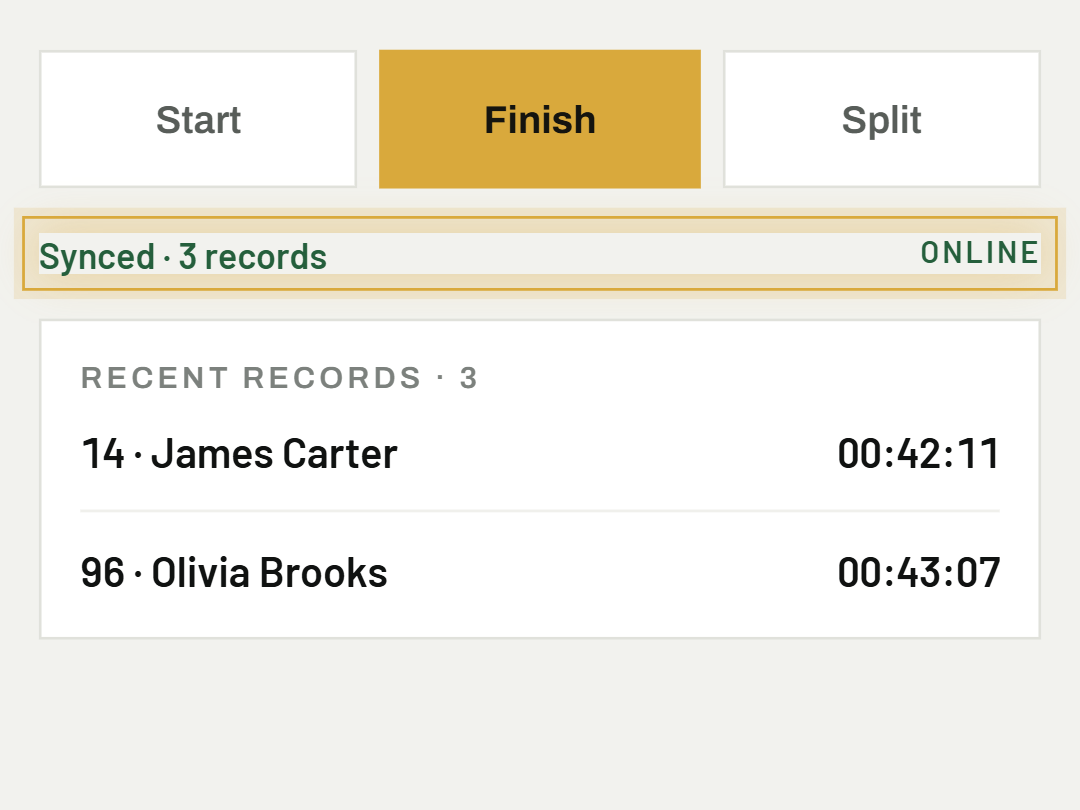
As soon as signal comes back, the app sends the records to the server by itself — nothing to trigger manually.
04Fix a passing
Tap "⋮" next to a record in the "Recent records" panel to open its edit view — you can change the exact time (to the second, and the date too), and if needed also which participant or checkpoint the passing belongs to. Delete is there too, as a separate option lower in the window. Once a record has reached the server, both editing and deleting require an internet connection.
05Add a passing by hand
The "+ Add time" button above the "Recent records" panel adds a passing the app didn't catch — for example a time someone wrote on paper by the course. You choose the participant, the checkpoint and the time (backdated too, not just "now").
06Lost or dead chip
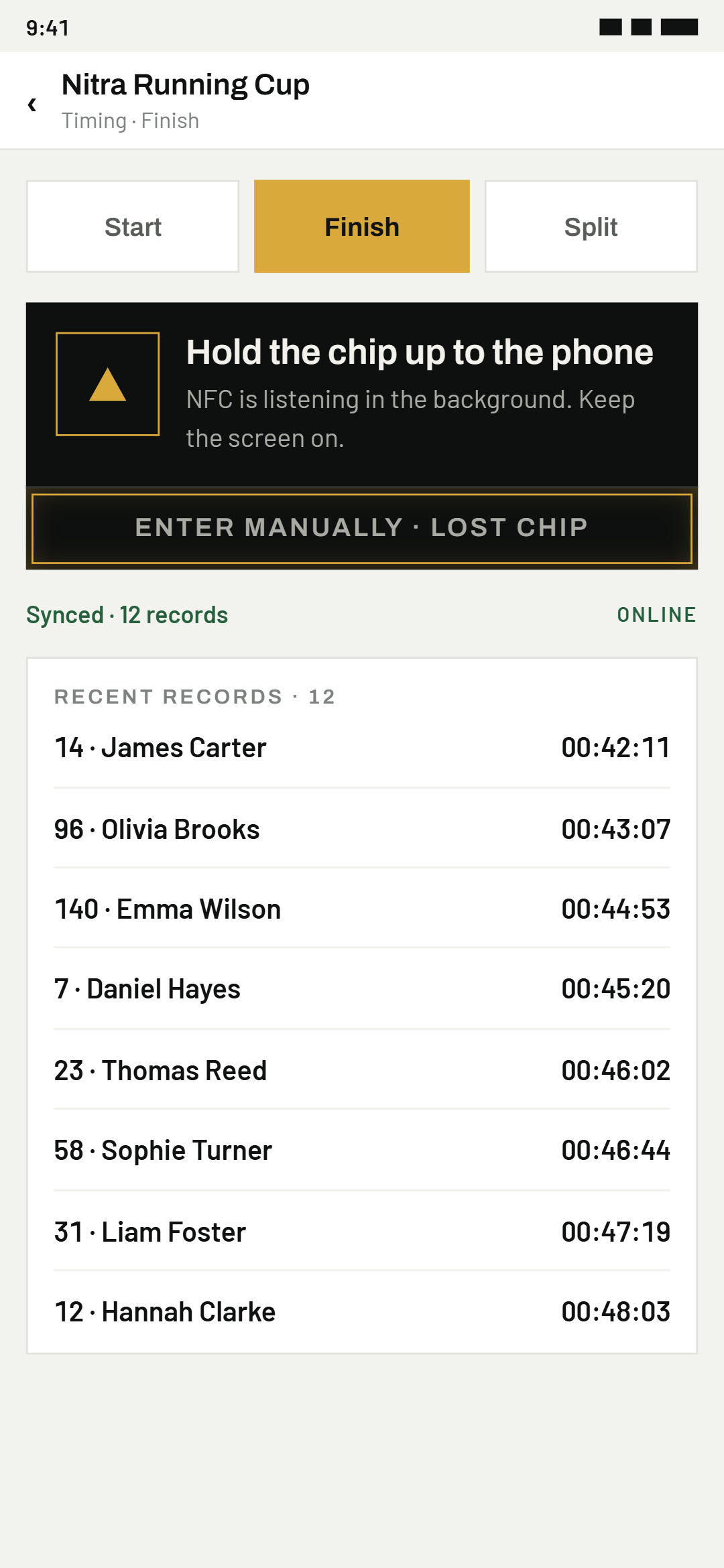
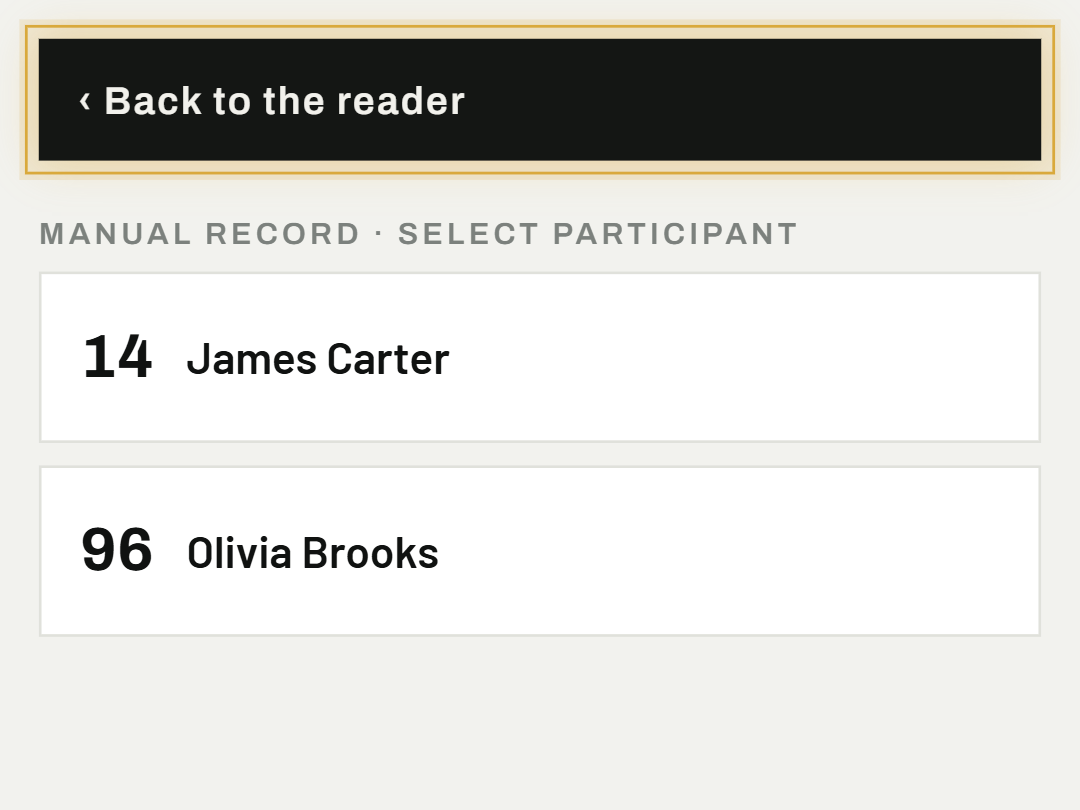
On an NFC/RFID event, tap "Enter manually · lost chip" at the bottom of the dark panel — the app opens the same list used for manual recording, while the reader keeps listening.
07Go back to the reader
The "‹ Back to the reader" bar above the list returns the app to its normal passive mode.
08Unknown chip or QR code
If a chip or QR code does not belong to any participant (for example it was missed at registration), the app does not discard the passing — it records it as unassigned and vibrates briefly. On screen you only see an "Unknown chip …" bar, no window that would block timing. This applies to every method: NFC, RFID/UHF, a reader that acts as a keyboard, and QR.
09Assign an unassigned passing to a participant
When unassigned passings exist, an "Unassigned passings: N" line appears above the list. Tap it — the passings are grouped by code. Tap "Assign to participant" next to a code and choose the participant: their chip (or QR code) is saved and all passings of that code automatically become their times. The same happens when you add the chip to the participant in Event settings. Passings are recorded even without internet, but the assignment itself needs a connection.
10Discard a stray chip
A chip that belongs to nobody at the event (for example a spectator with a card near the gate) can be removed with "Discard" next to its code — all its passings are deleted.
Was this helpful?
Need help? Write to us