Support
Manual
Step-by-step guides for organisers — from creating an event to collecting chips back after the race.
Searches chapter titles and the full content of every step.
Chapter 4 of 10 · swipe for the next one
Chapter 04
Recording methods
The app knows four ways to record a passing — pick the one that fits the size and pace of your race.
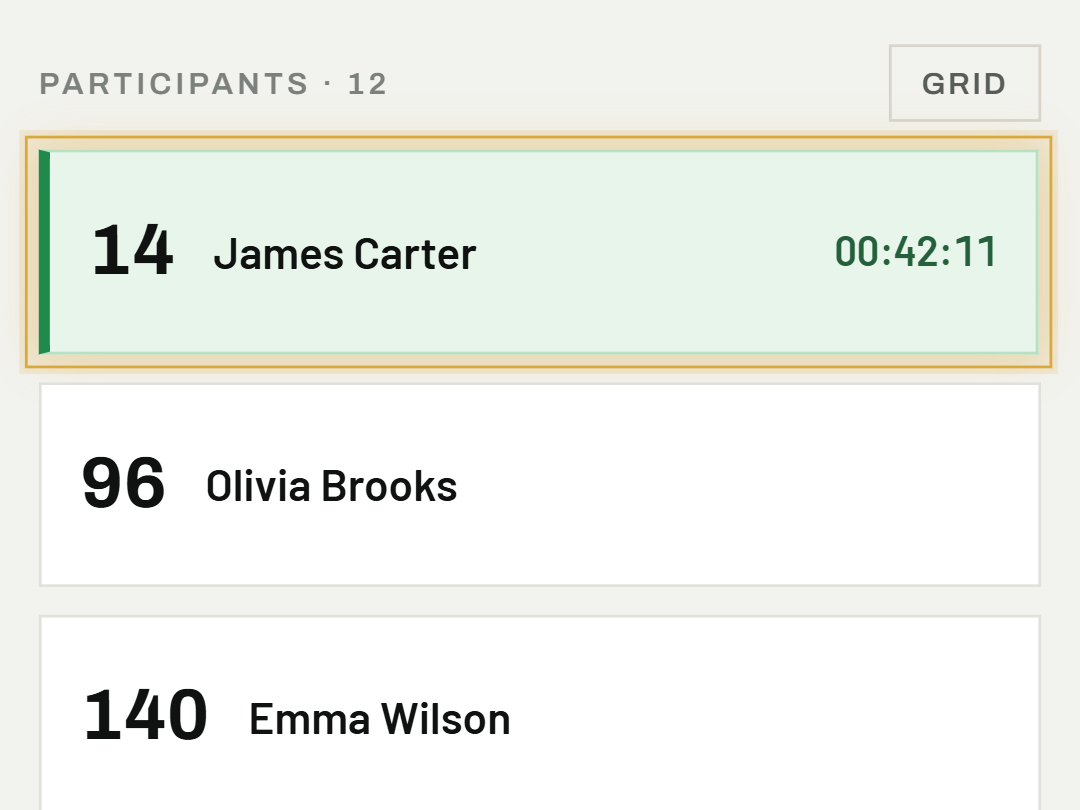
01Tap the participant's name
In the participant list, tap their row — the app records the current time instantly, with no confirmation dialog. The switch in the top right toggles the list to a grid of bib-number tiles instead of names — handy when participants' bib numbers are clearly visible on them, since it gives a better overview on a phone screen than a list of names.
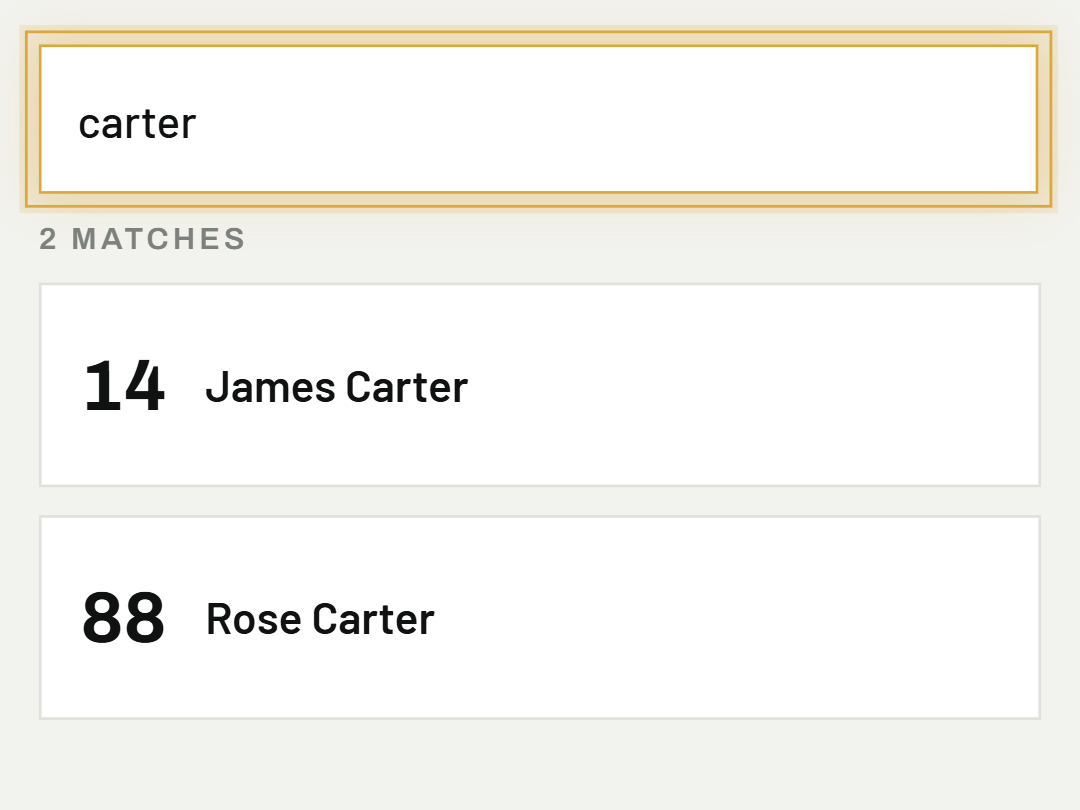
02Search for a participant
If the list is long, search by bib number or name in the search field above the list.
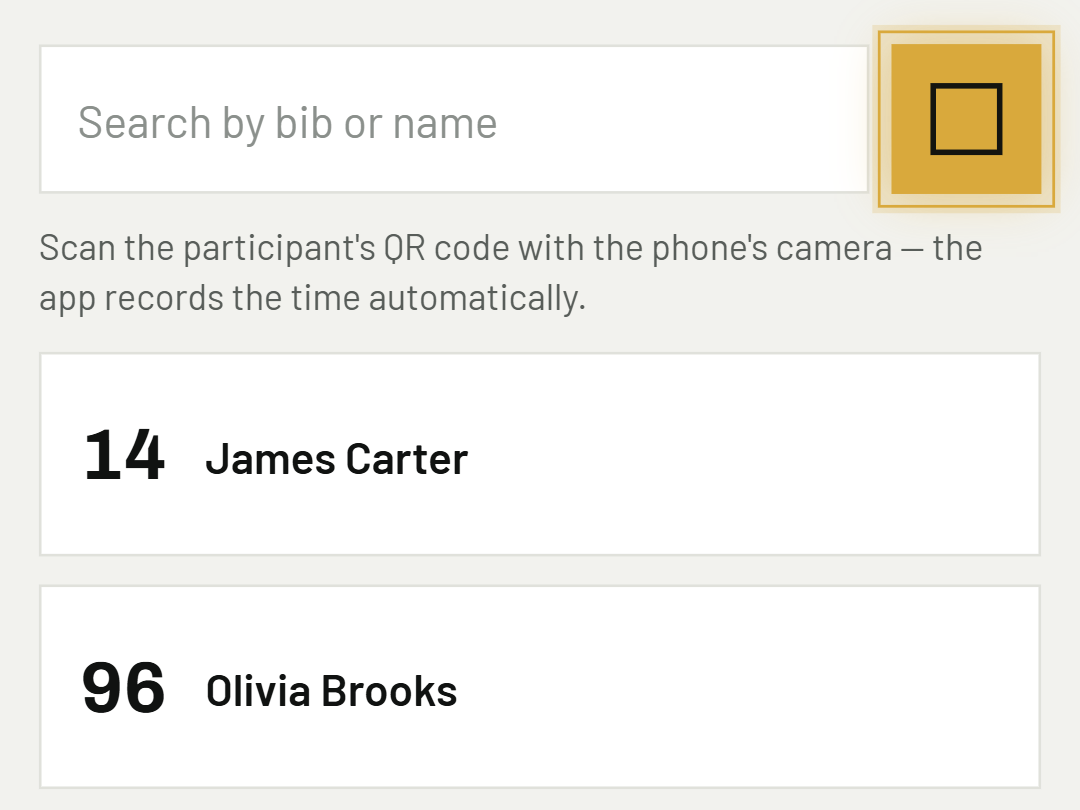
03Scan the QR code
Scan the participant's QR code with the phone's camera — the app records the time automatically as soon as it recognises the code.
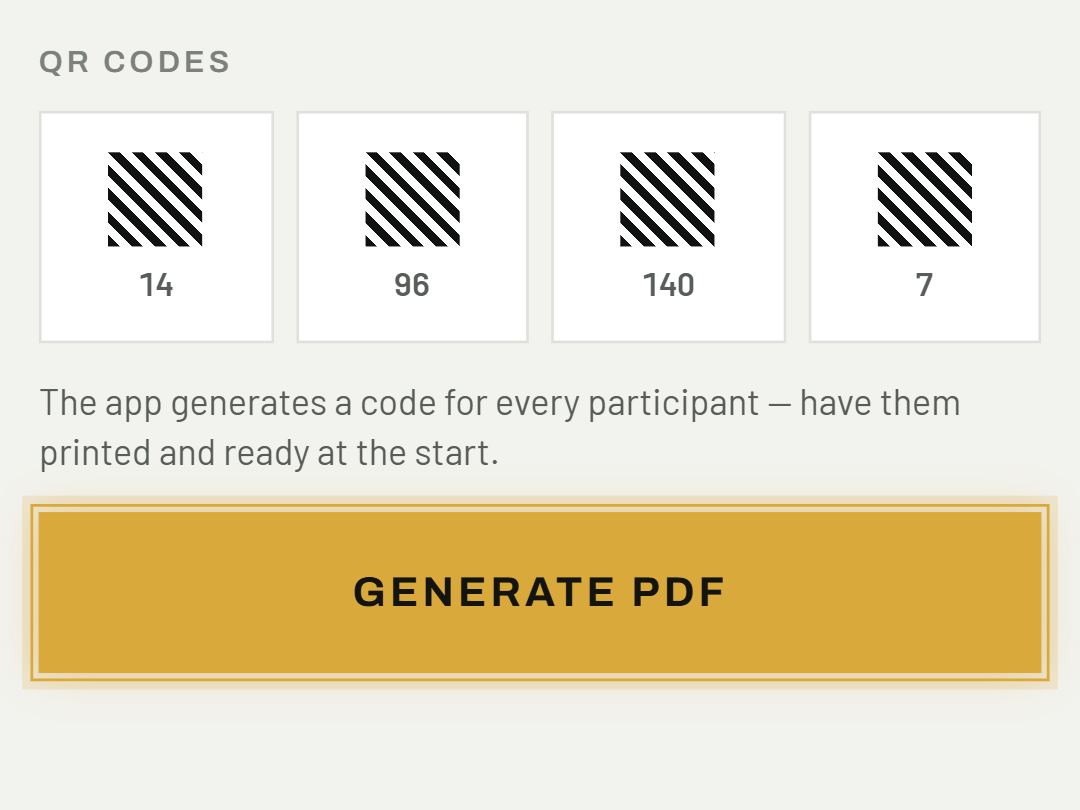
04Print QR codes in advance
The app generates them in event settings — nothing to handle on site, just have them printed and ready at the start.
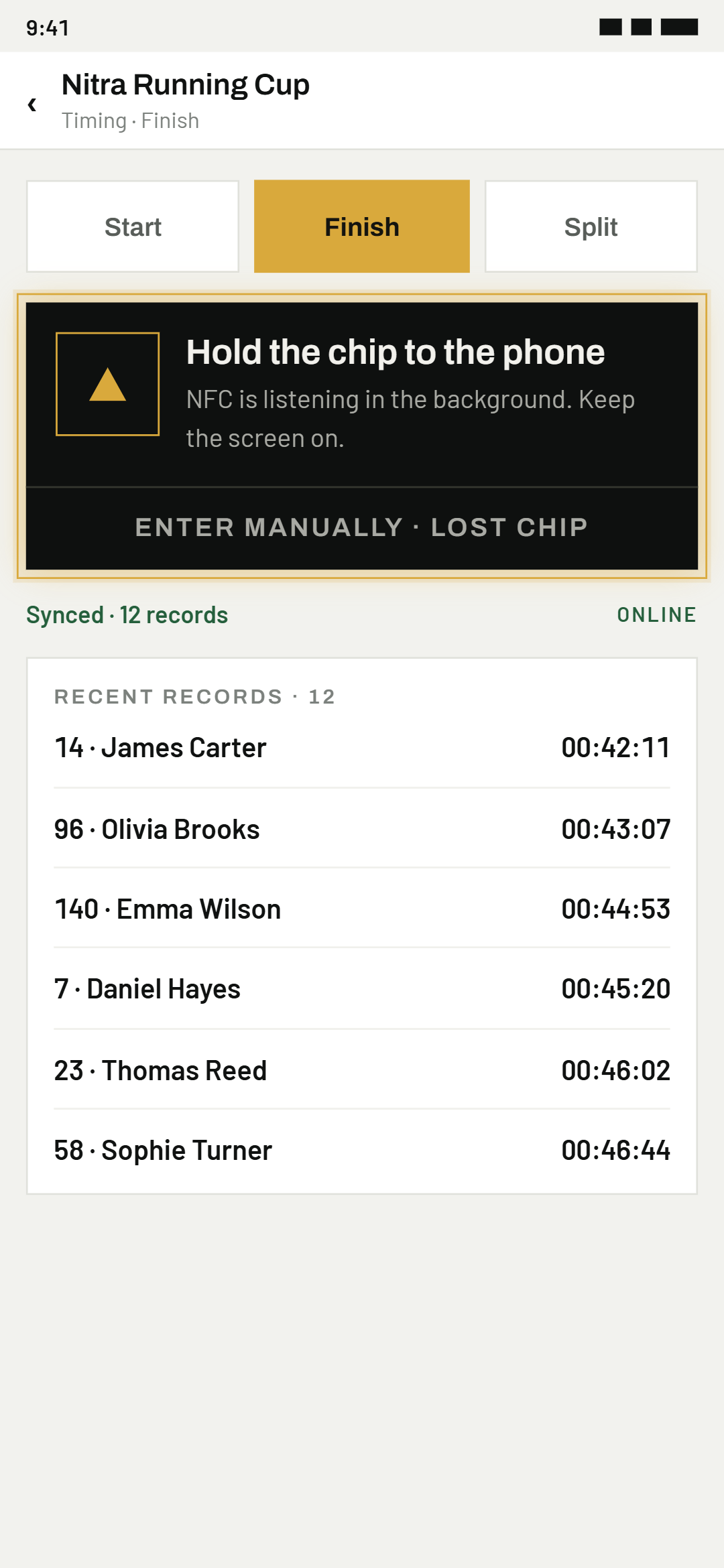
05The participant holds their chip to the phone
The app listens in the background — nothing to tap, just hold the phone to the chip on the wristband or bib. It reads any standard 13.56 MHz NFC chip — the same frequency used by contactless payment cards — regardless of its shape: a wristband, a sticker, a card, or a tag sewn into the bib. All that matters is that it's a working NFC chip with its own unique code, not its form or manufacturer.
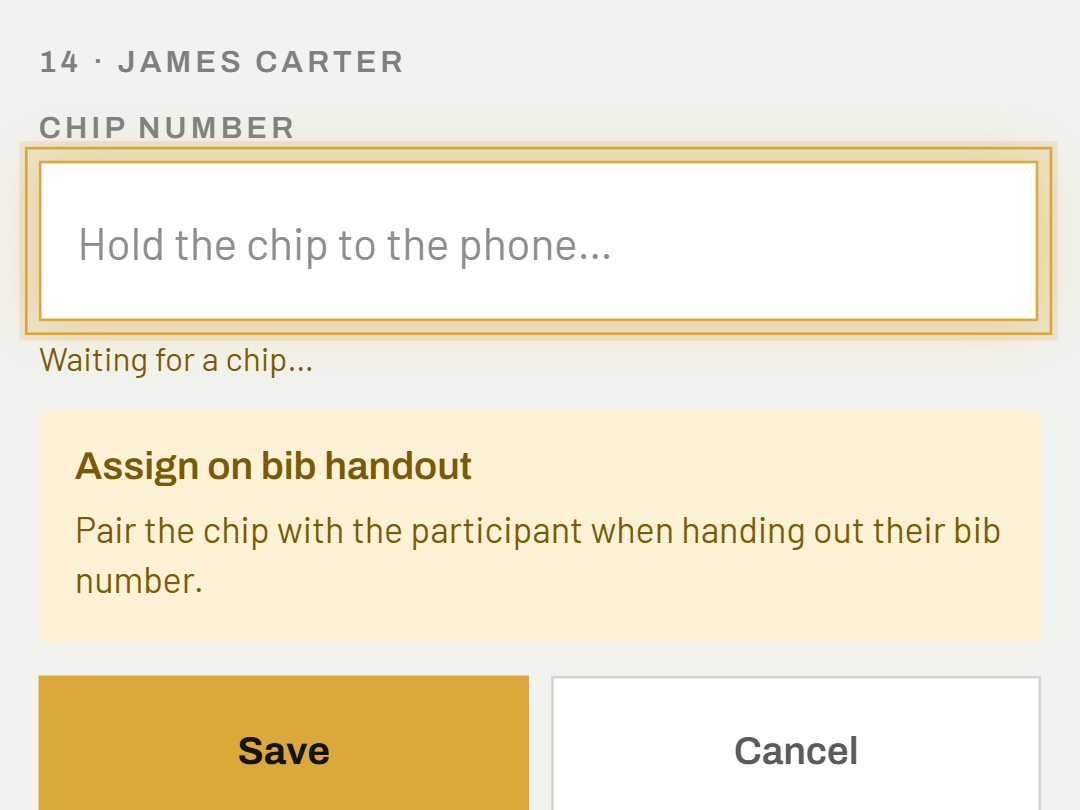
06Assign the chip to a participant in advance
In event settings → Participants — ideally right when handing out the bib number.
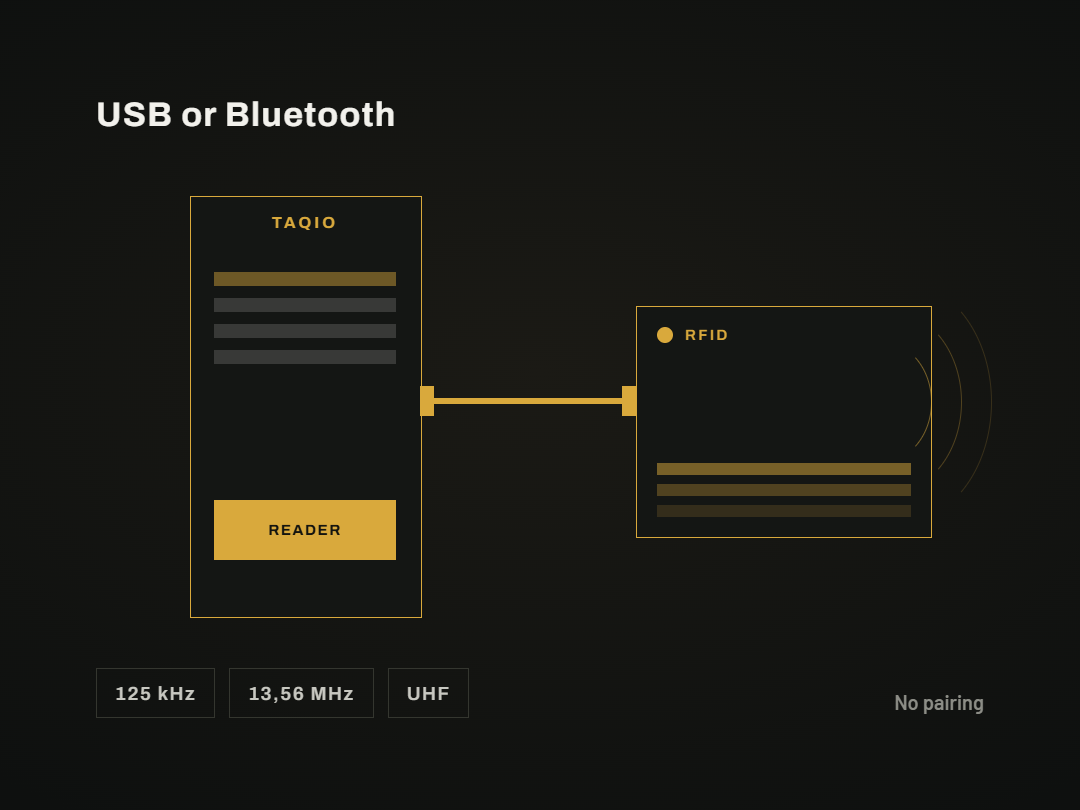
07Connect an RFID reader
The app receives data directly from the reader with no complicated pairing — works with common Bluetooth and USB readers. The reader's type or frequency doesn't matter: it works with 125 kHz touch-and-go readers, with 13.56 MHz readers (the same frequency as NFC), and with long-range UHF readers that pick up a chip from a distance without touching it.
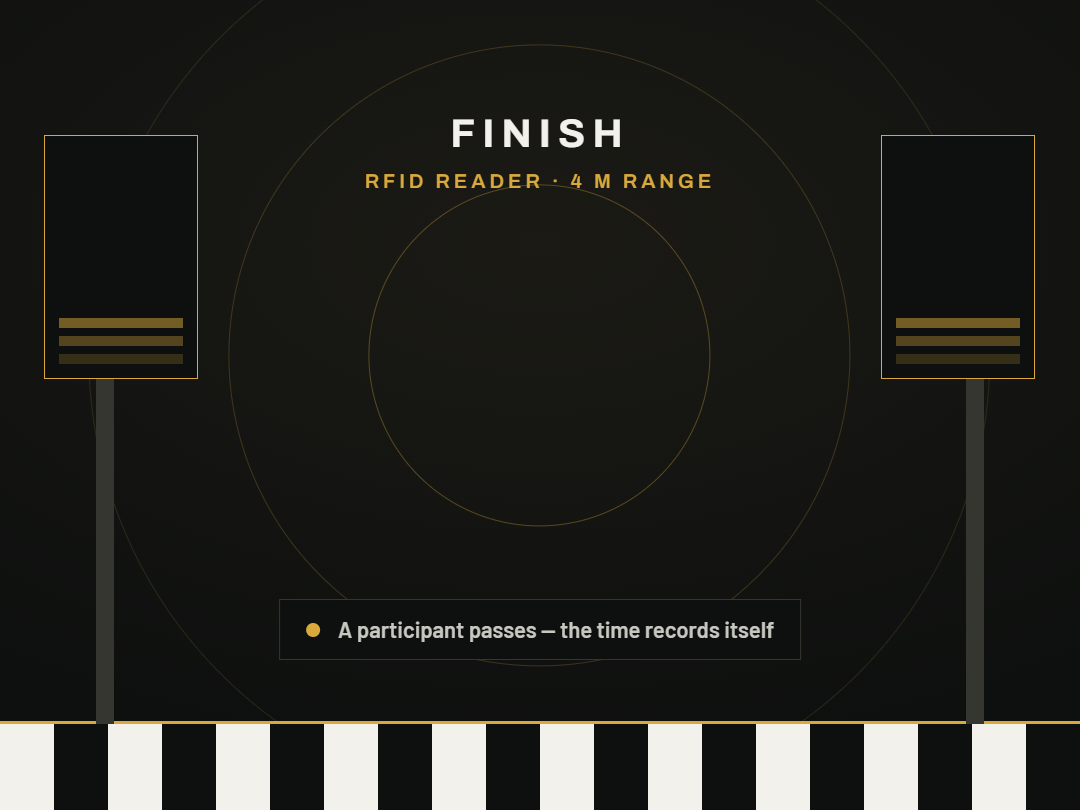
08The reader picks up a passing from a distance
Useful for a dense finish, where NFC participants would otherwise have to queue up to tap their phone. 125 kHz and 13.56 MHz readers still need the chip held close, just like NFC, but their stronger antenna picks it up more reliably than a phone does. A UHF reader goes further still — it catches the pass from a distance, without the participant touching anything.
If a chip loses power or is lost, the app still lets you record that one participant's time by hand, even on an NFC/RFID event — see Timing at the finish.
09USB reader straight to the phone (TAQIO UHF reader)
Plug the supported USB UHF reader (Yanzeo SR691) into the phone with a USB-OTG cable — no computer and no pairing. The reader must be set once to the "USB HID" output mode (in the manufacturer's RFIDDemo program). The app finds the reader by itself, asks for USB permission and shows "TAQIO UHF reader: connected" on the timing screen. It then picks up chips in the background — you do not need to tap anything.
10Signal strength and antenna power
Tap the "TAQIO UHF reader" line on the timing screen. You will see a live list of reads with signal strength (1 to 5 bars) — useful for finding the right place for the antenna and the chips; a chip "on the edge" shows few bars. Set the antenna power with the − and + buttons or the presets (20, 24, 26, 30 dBm) and confirm with "Set power". Higher power means a longer range but also a bigger read zone, so a chip may be read earlier in front of the antenna and shift the passing time.
Above 26 dBm the radiated power may exceed the EU limit — follow the rules of the country where you time. You will find more about choosing chips and frequency bands in the magazine article about RFID timing.
Was this helpful?
Need help? Write to us