Support
Manual
Step-by-step guides for organisers — from creating an event to collecting chips back after the race.
Searches chapter titles and the full content of every step.
Chapter 1 of 10 · swipe for the next one
Chapter 01
First steps
From downloading the app to your first event — the whole path to your first recorded passing.
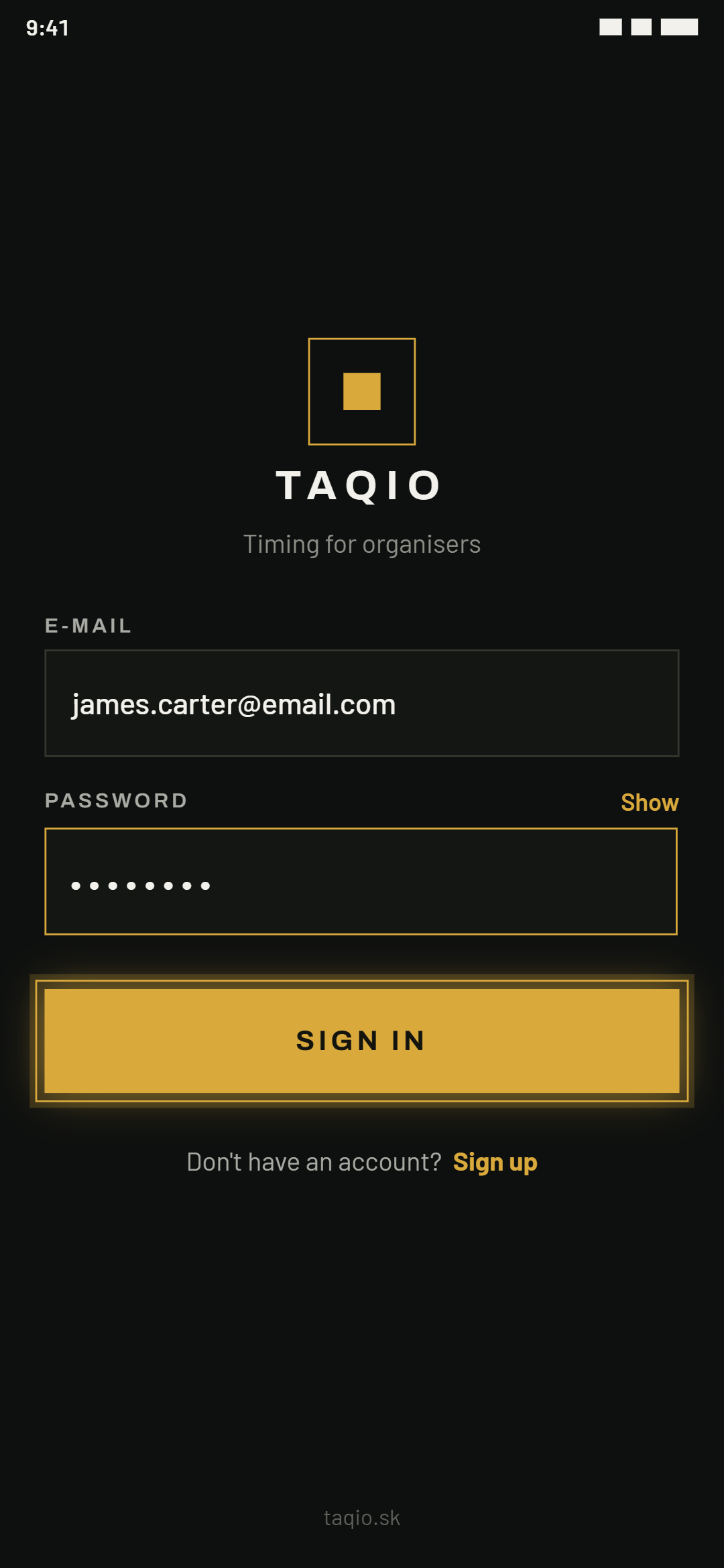
01Download the app and sign up
TAQIO is an Android app, free to download directly from the website or the app. Signing up only takes a name, email and password.
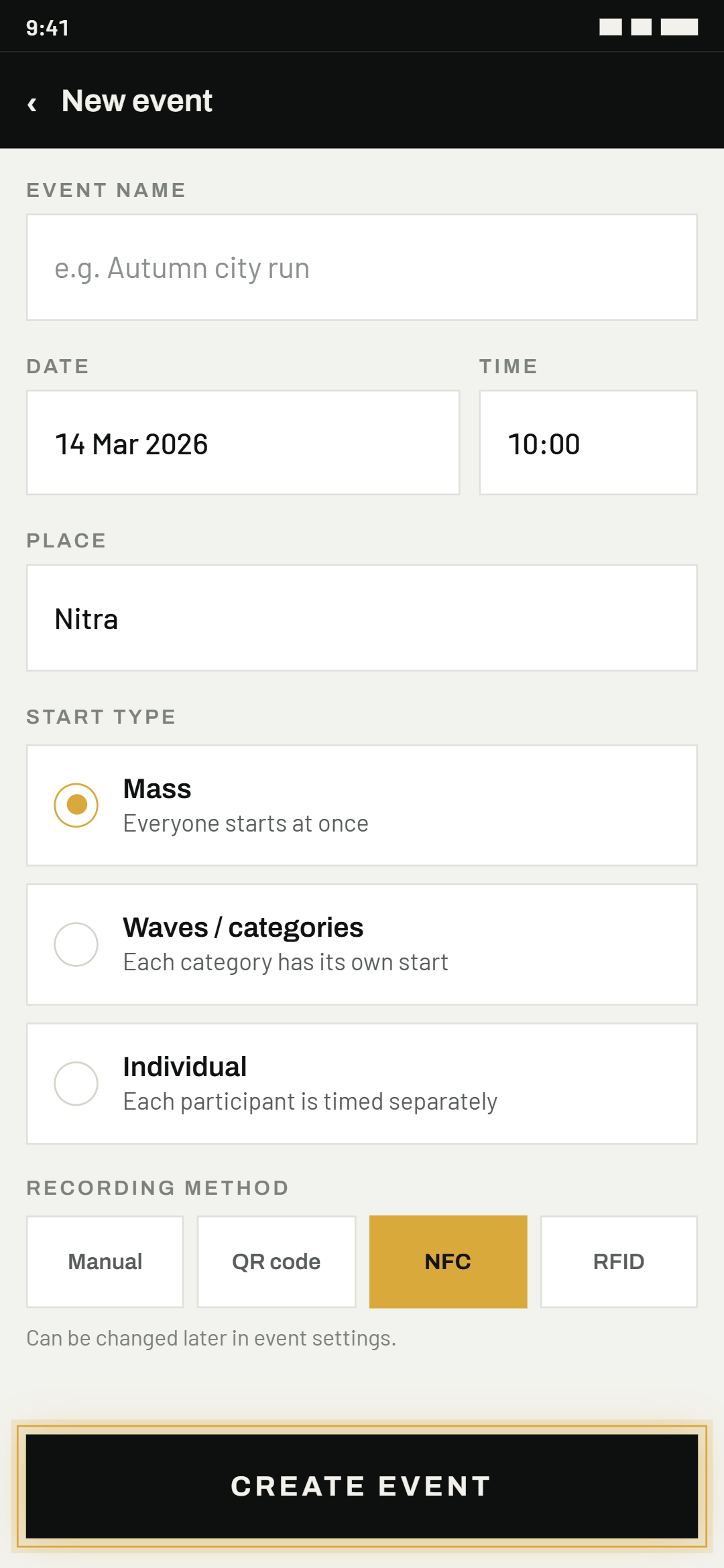
02Create your first event
In the event list, tap the gold "+" button in the bottom right and fill in the name, date, place and start type.
More on each start type in the Starts chapter.
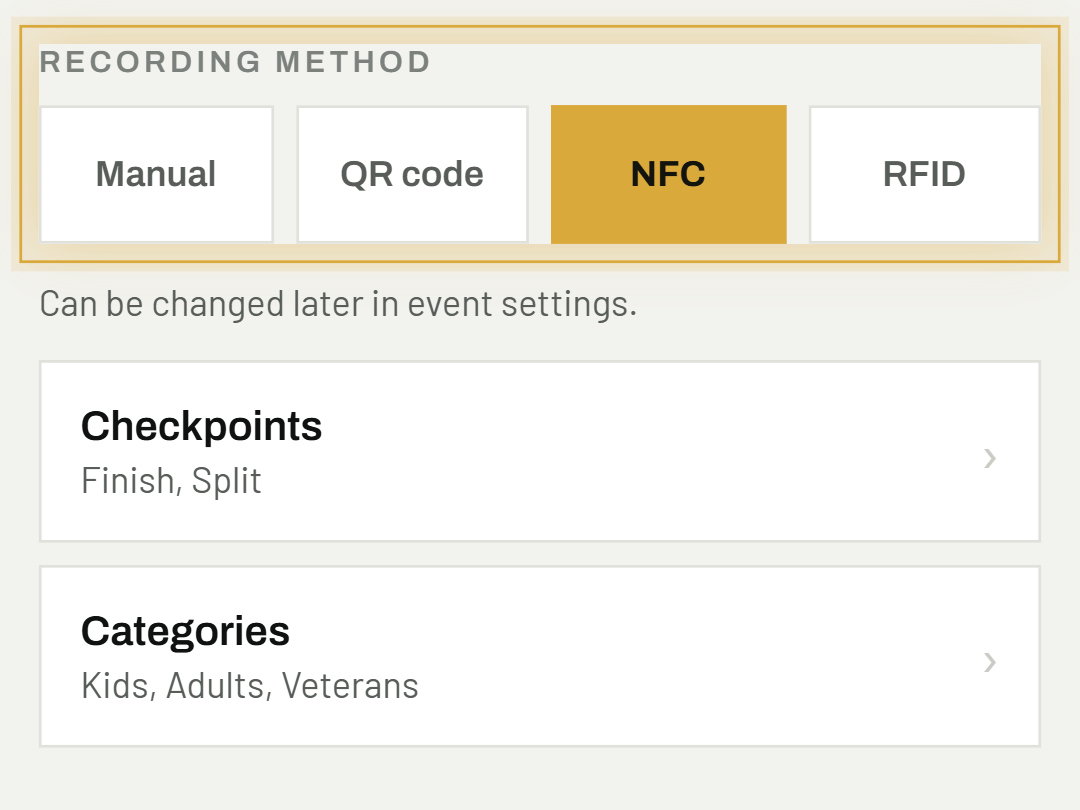
03Choose a recording method
Manual, QR code, NFC or RFID — the app lets you choose per event, and you can change it later at any time.
See the Recording methods chapter for all four methods in detail.
Good to know
The app is free for up to 5 participants per event — great for trying it out before your first real race.
Was this helpful?
Need help? Write to us